

Introduction
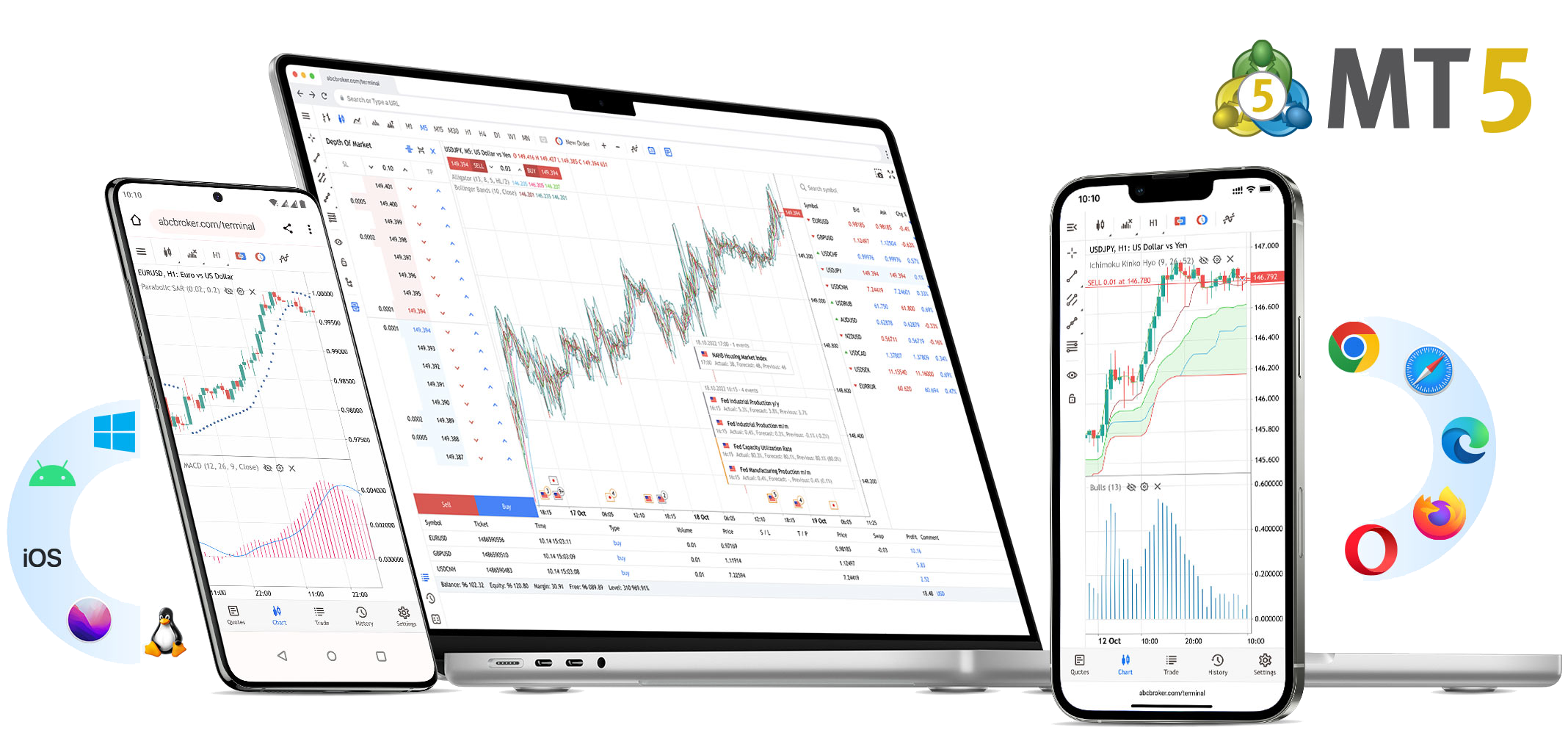
MetaTrader 5 (MT5) is one of the most powerful and widely used trading platforms in the world. At NexusFX, traders get access to MT5 with professional tools, fast execution, and access to Forex, commodities, indices, metals, and synthetic instruments — all from a single platform.
If you are new to trading, this beginner’s guide will help you understand how to start trading on MT5, how to place your first trade, and how to use the essential tools available inside the platform.
Step 1: Logging in to MT5
After opening your NexusFX demo or live account, you will receive your MT5 login credentials. Download MT5 on desktop or mobile, enter your login ID, password, and select the NexusFX server to connect.
Step 2: Understanding the MT5 Interface
The MT5 interface is divided into key sections: Market Watch, Chart Area, Navigator, and Toolbox. Market Watch shows live prices of instruments. The chart area is where you analyze price movements. Navigator helps you manage accounts and indicators, while Toolbox shows trade history and open positions.
Step 3: Opening Your First Trade
To place a trade, right-click on any instrument from Market Watch and select “New Order”. Choose your lot size, set Stop Loss and Take Profit levels for risk management, and click Buy or Sell based on your analysis.
Buy Order
You place a Buy when you expect the price to rise.
Sell Order
You place a Sell when you expect the price to fall.
Step 4: Using Indicators for Analysis
MT5 provides built-in indicators such as Moving Averages, RSI, MACD, and Bollinger Bands. These tools help traders identify trends, momentum, and potential entry and exit points.
Step 5: Risk Management
Successful trading is not only about entries but managing risk. Always use Stop Loss, trade with proper lot sizes, and never risk more than a small percentage of your account on a single trade. NexusFX provides tight spreads and fast execution to support disciplined trading.
Placing Pending Orders
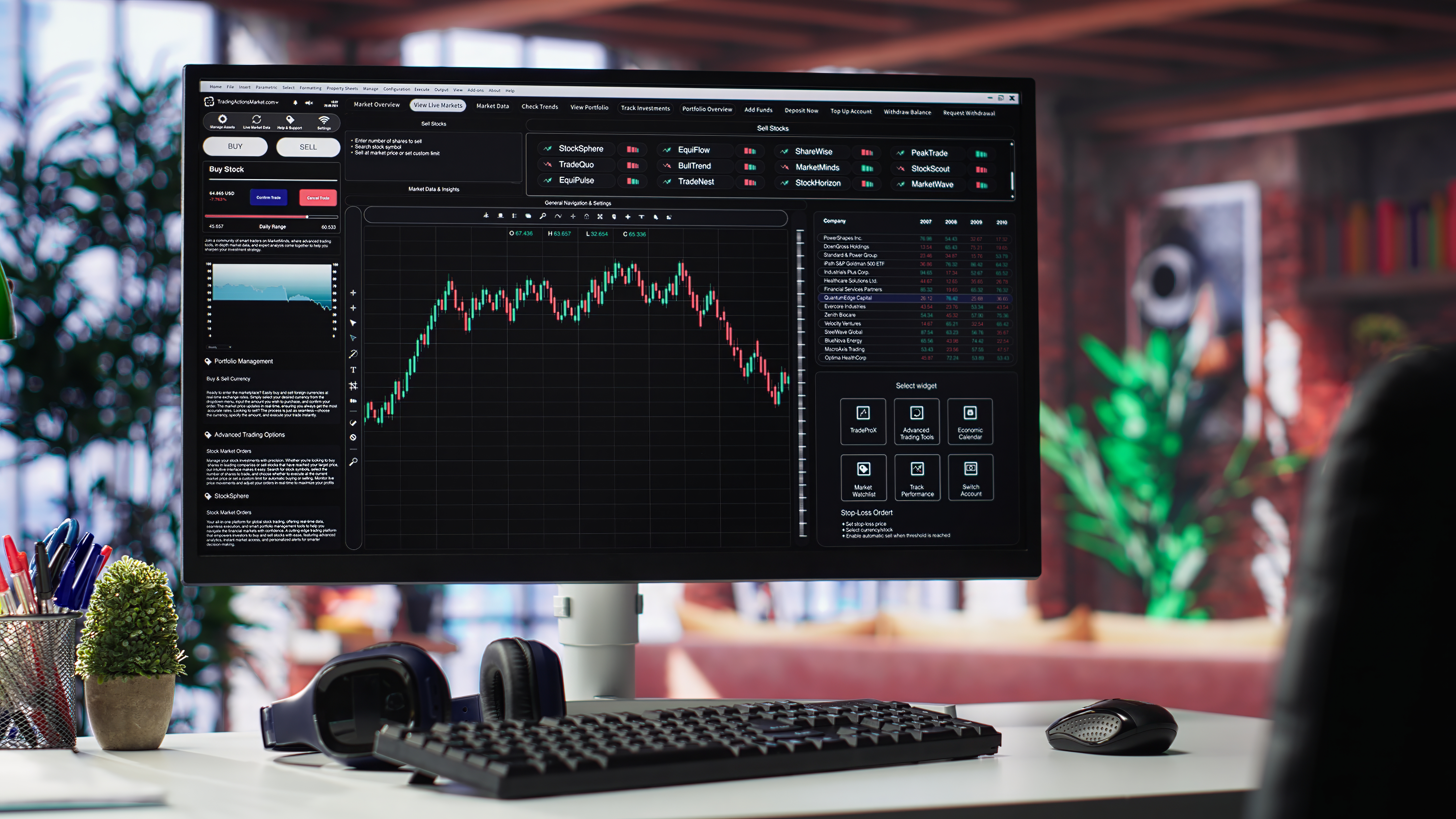
MT5 allows traders to place pending orders such as Buy Limit, Sell Limit, Buy Stop, and Sell Stop. These orders help you enter the market automatically when price reaches your desired level.
- Buy Limit – Enter below current price
- Sell Limit – Enter above current price
- Buy Stop – Enter above current price
- Sell Stop – Enter below current price
Monitoring and Closing Trades
Open trades can be monitored from the Toolbox section. You can modify Stop Loss, Take Profit, or close trades manually at any time.
Conclusion
MT5 combined with NexusFX trading infrastructure gives beginners a professional environment to learn and grow. Start with a demo account, practice strategies, understand the platform, and then move to live trading with confidence.
- Start with demo trading
- Learn chart analysis and indicators
- Practice risk management
- Trade confidently with NexusFX